Construction project management
Run your projects. Keep your clients in the loop.
AI that reads your drawings and drafts the schedule
- Reads each sheet and lists what it found, with the sheet number behind every fact.
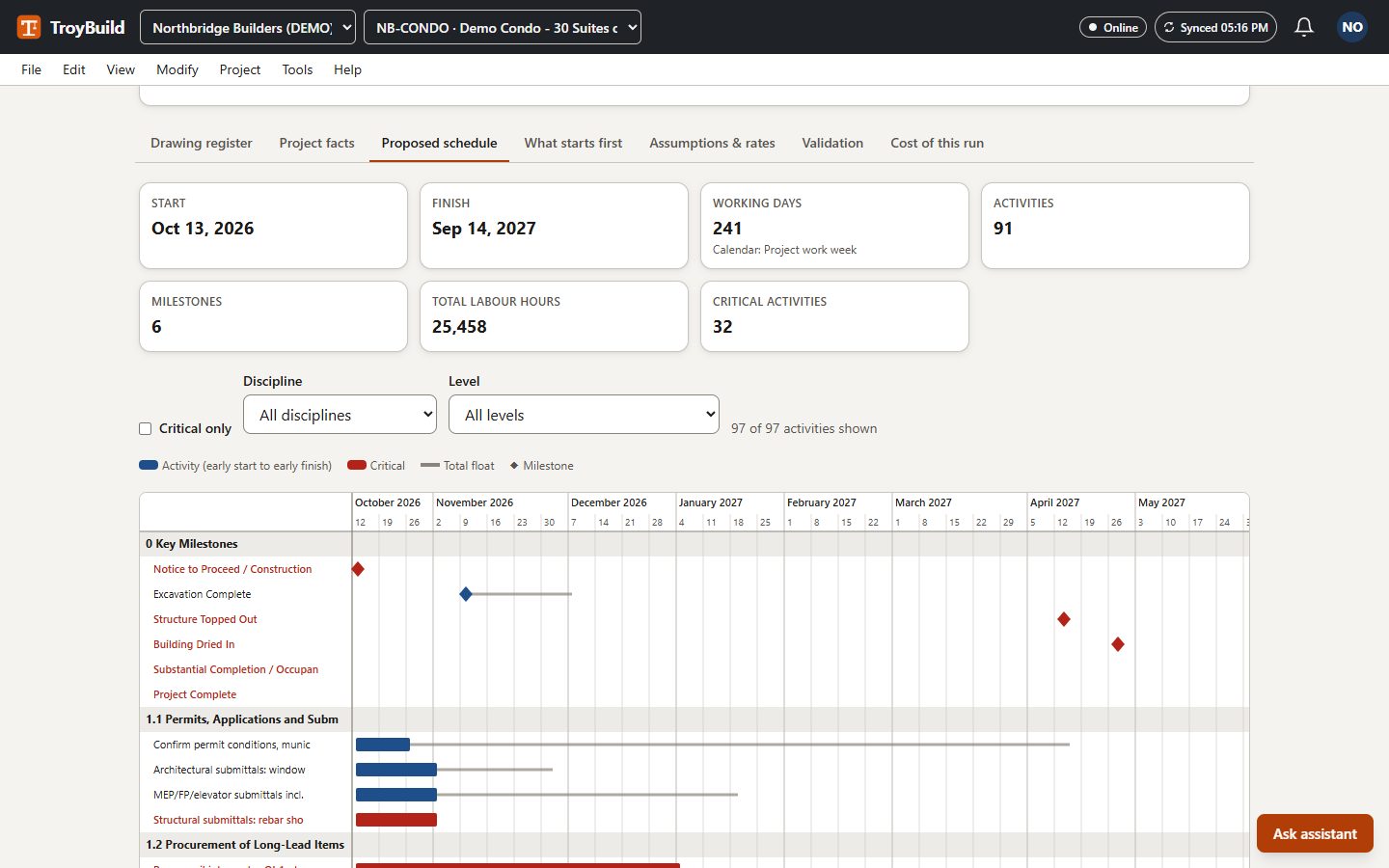
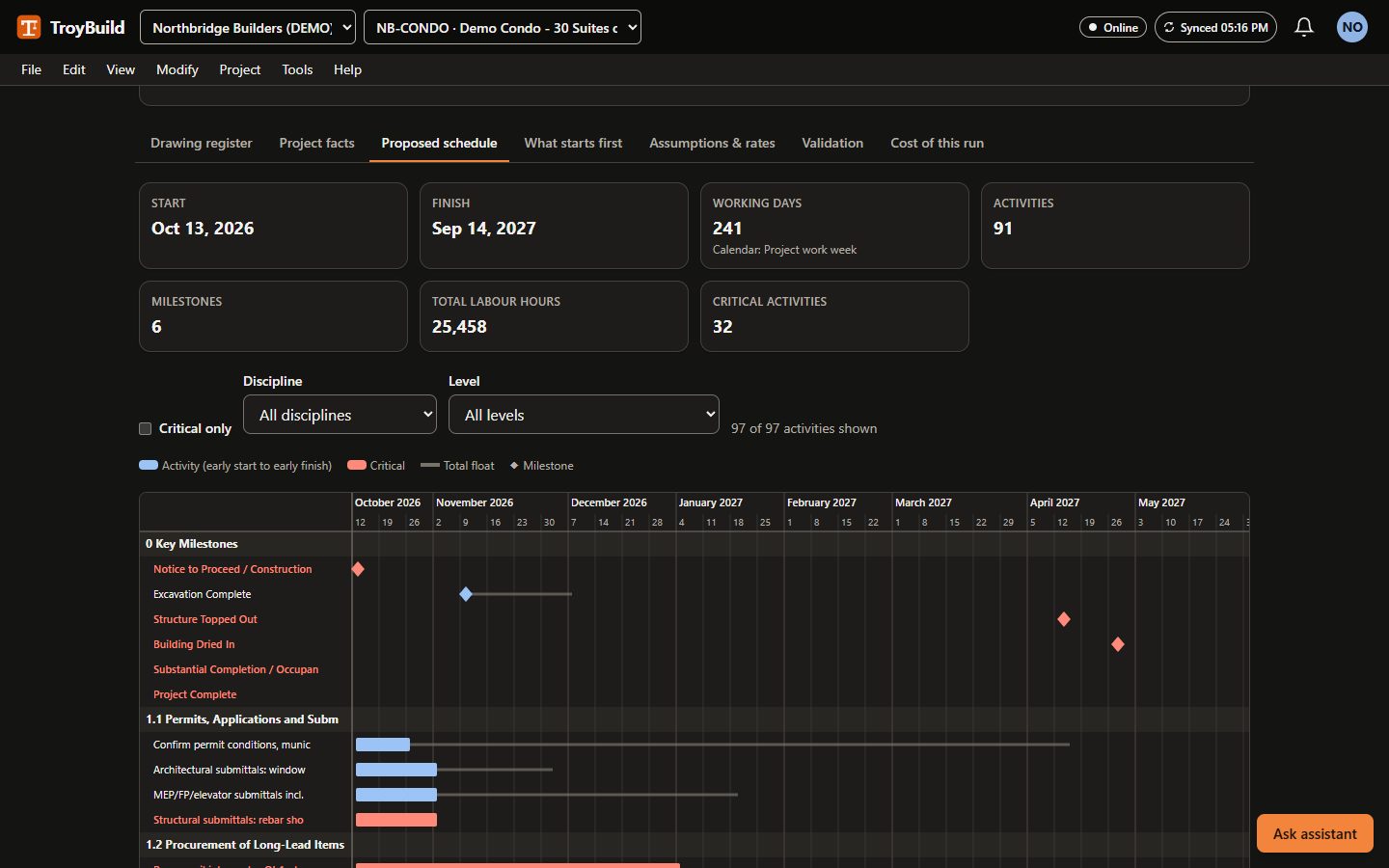
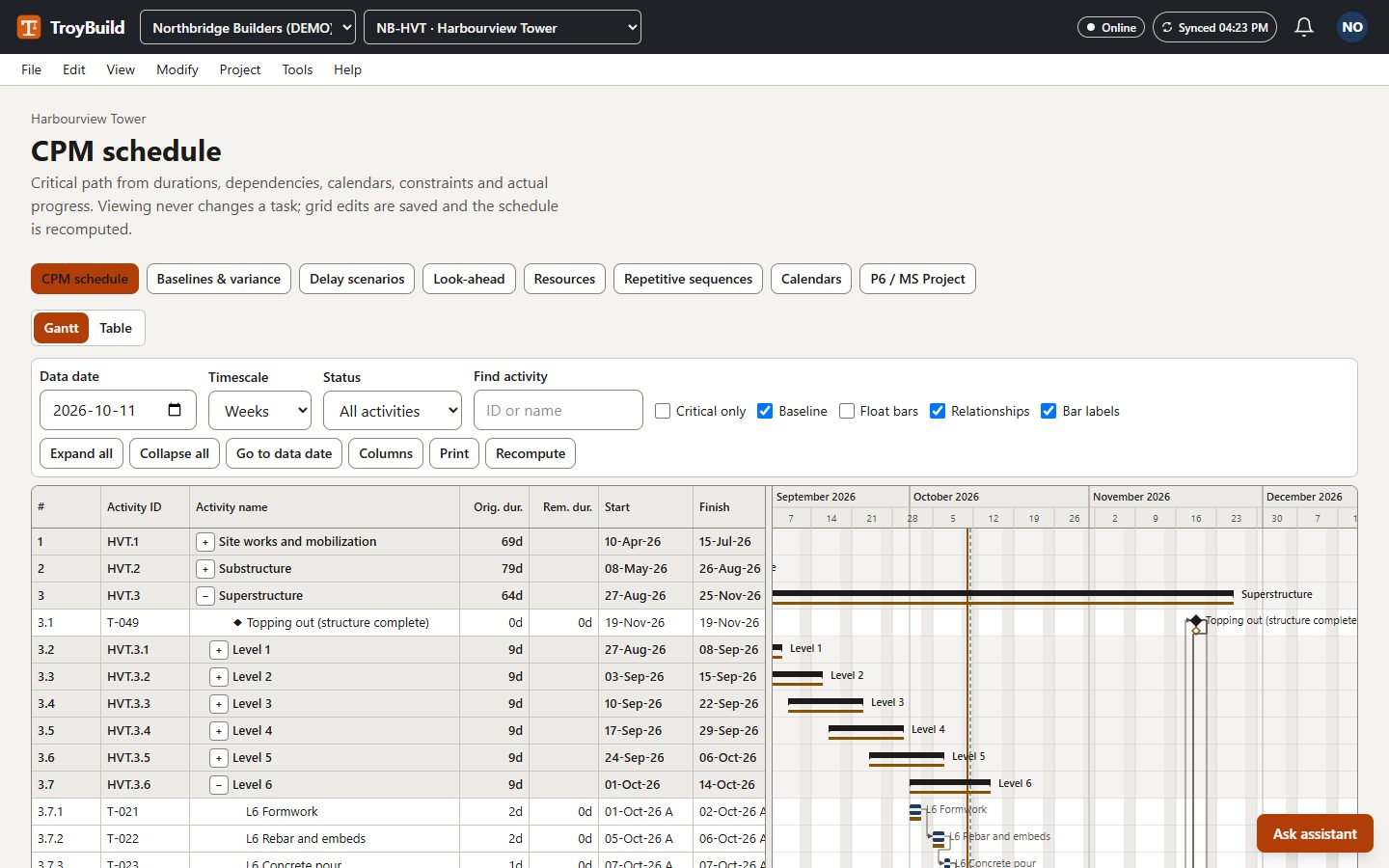
- Proposes phases, activities, logic links and milestones, then calculates the critical path.
- Durations come from quantities in the drawings and your production rates (or built-in example rates), with labour hours.
- Explains which work starts first and why, and lists long-lead items and the likely finish-date drivers.
- Shows the estimated AI cost before it starts. Nothing is written to your schedule until a person accepts the draft.
Demo example
A 37-sheet set for a three-storey, 30-suite wood-frame condominium over a concrete parkade became a draft of 91 activities, 6 milestones and 174 logic links, with an explanation of what starts first.
Included on every paid plan, with a monthly analysis allowance; needs an AI provider switched on for your workspace. The result is a draft for a qualified scheduler, not a validated schedule.
Project assistant
Answers questions about the schedule, open items and records, and drafts follow-ups for a person to send.
Commercial assistant
Explains contracts, changes, billing and procurement. Amounts come from the records, never from the model.
Quality and safety assistant
Helps with inspections, deficiencies and safety records. It cannot certify, release or close anything.
Built for contractors and the clients they build for
Contractors: run the job
General contractors, builders, subcontractors and consultants.
- Run the whole job: documents, RFIs, field records, quality, safety, money and the schedule.
- Ultimate and up: a digital twin shows the IFC model next to a ghost copy whose parts turn solid as they are recorded installed (on the model or by passed inspections), with planned-versus-actual colours and earned value; scans and photos are not compared automatically.
- Choose Basic, Professional, Ultimate or Enterprise: one company price with included users.
- Share a project with your client so they can follow progress and approve pay applications.
- Guests from other companies never use a paid seat.
- Paid plans start with a 30-day trial; no payment details at sign-up.
Project owners and clients: free
Developers, institutions, businesses and homeowners who commission the work.
- Free client account: no plan, no subscription.
- See the projects your contractors share with you: progress, documents and site records.
- Comment, and approve, reject or ask for changes to pay applications.
- Make the decisions that are yours, such as selections and commissioning witness sign-offs.
- Want to run projects of your own? That needs a paid plan.
How it works
Step 1: The contractor runs the project
The contractor's team works in its own workspace: drawings, RFIs, daily logs, inspections, contracts, billing and the schedule.Step 2: The contractor shares it with the client
The contractor links the project to its client's organisation, or the client asks for the link. The other side accepts, and the client chooses which of its people see the project.Step 3: The client follows and approves
The client's people follow progress and site records, comment, and approve the pay applications the contractor submits. The records stay in the contractor's workspace.
Everything a project needs, from tender to handover
Preconstruction
Win the work and price it from measured quantities.
Preconstruction features on the features pageProject setup
Start every job the same way, with the right people in it.
Project setup features on the features pageDocuments and design coordination
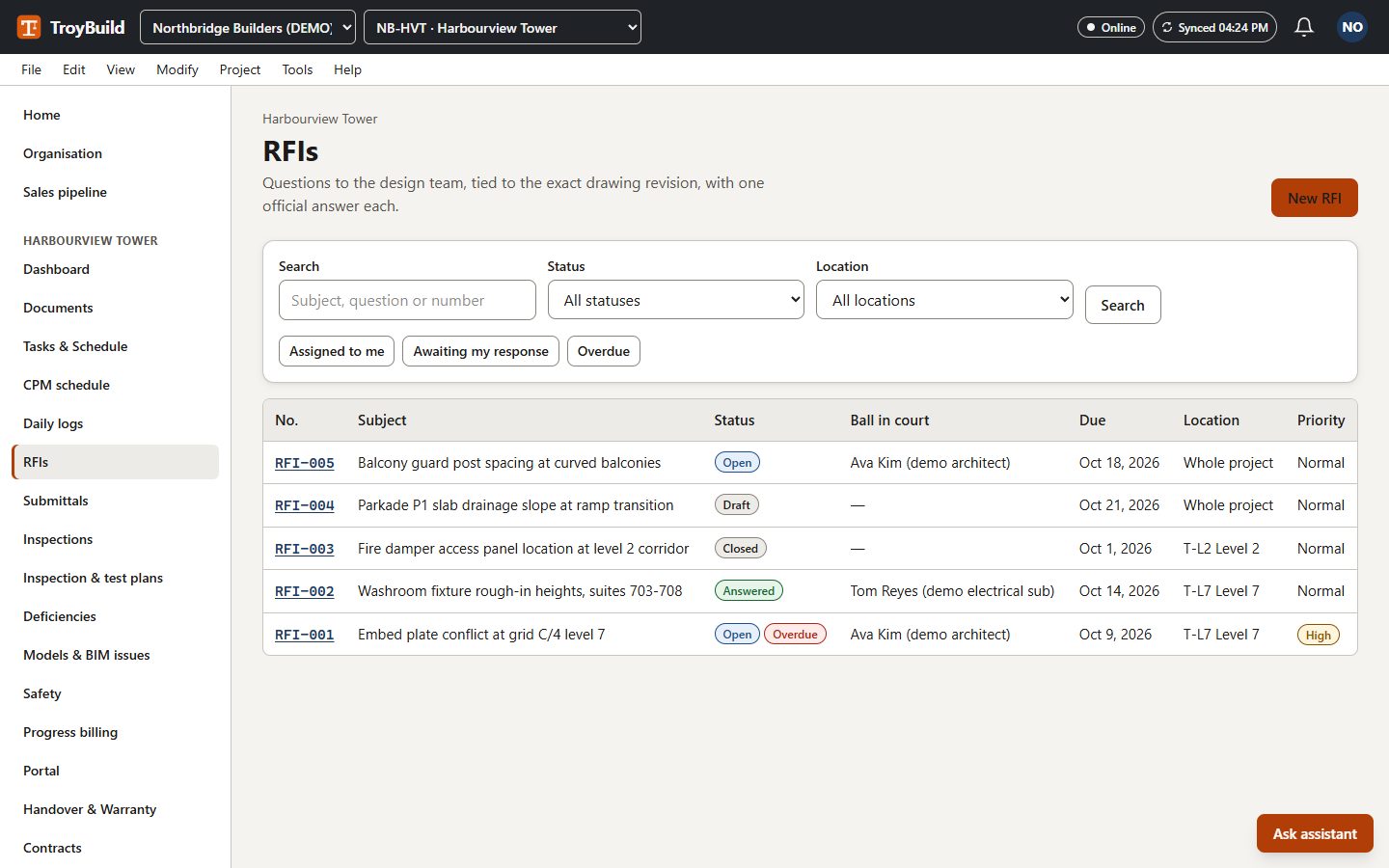
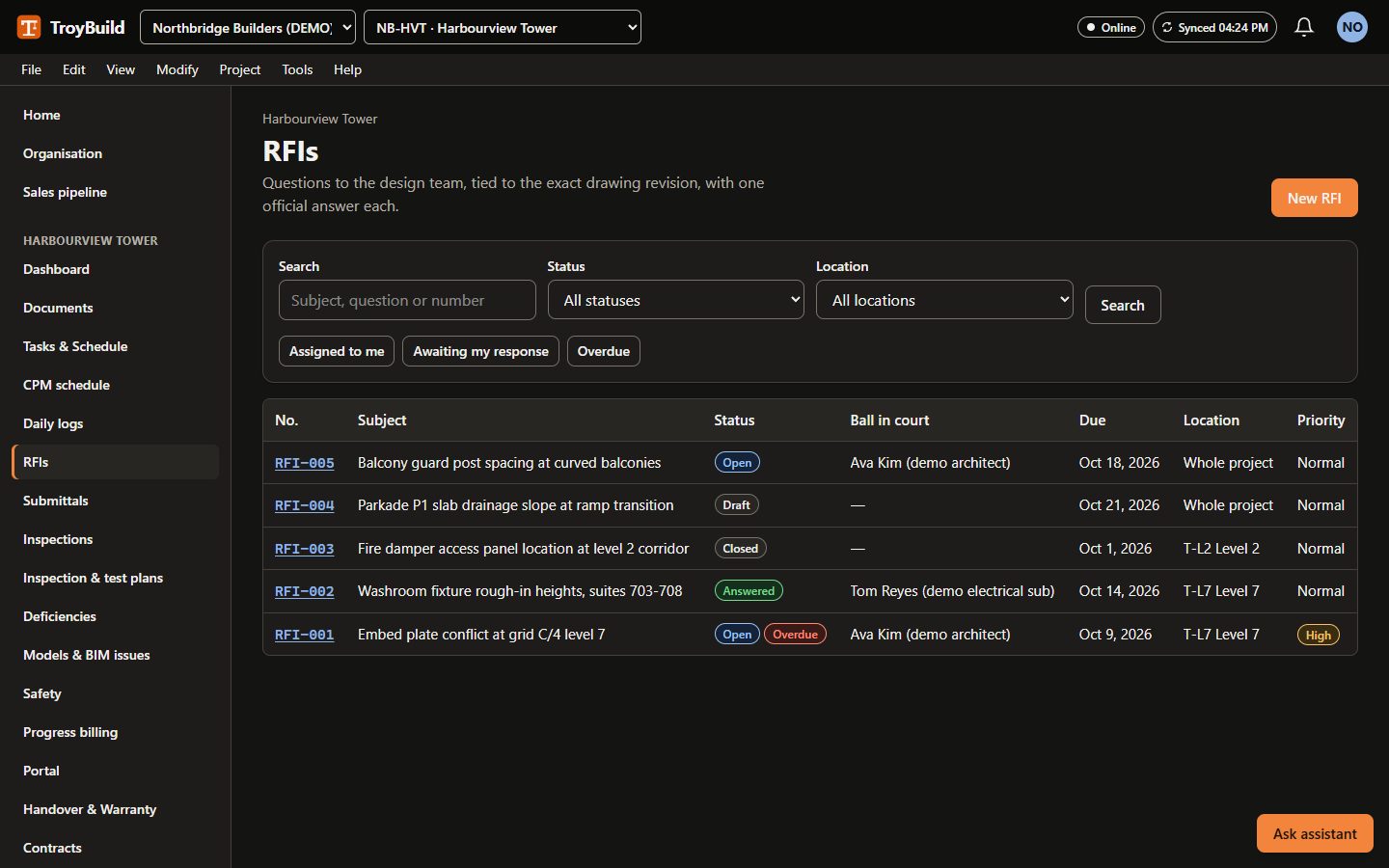
One current set of drawings and a clear record of every question.
Documents and design coordination features on the features pageField
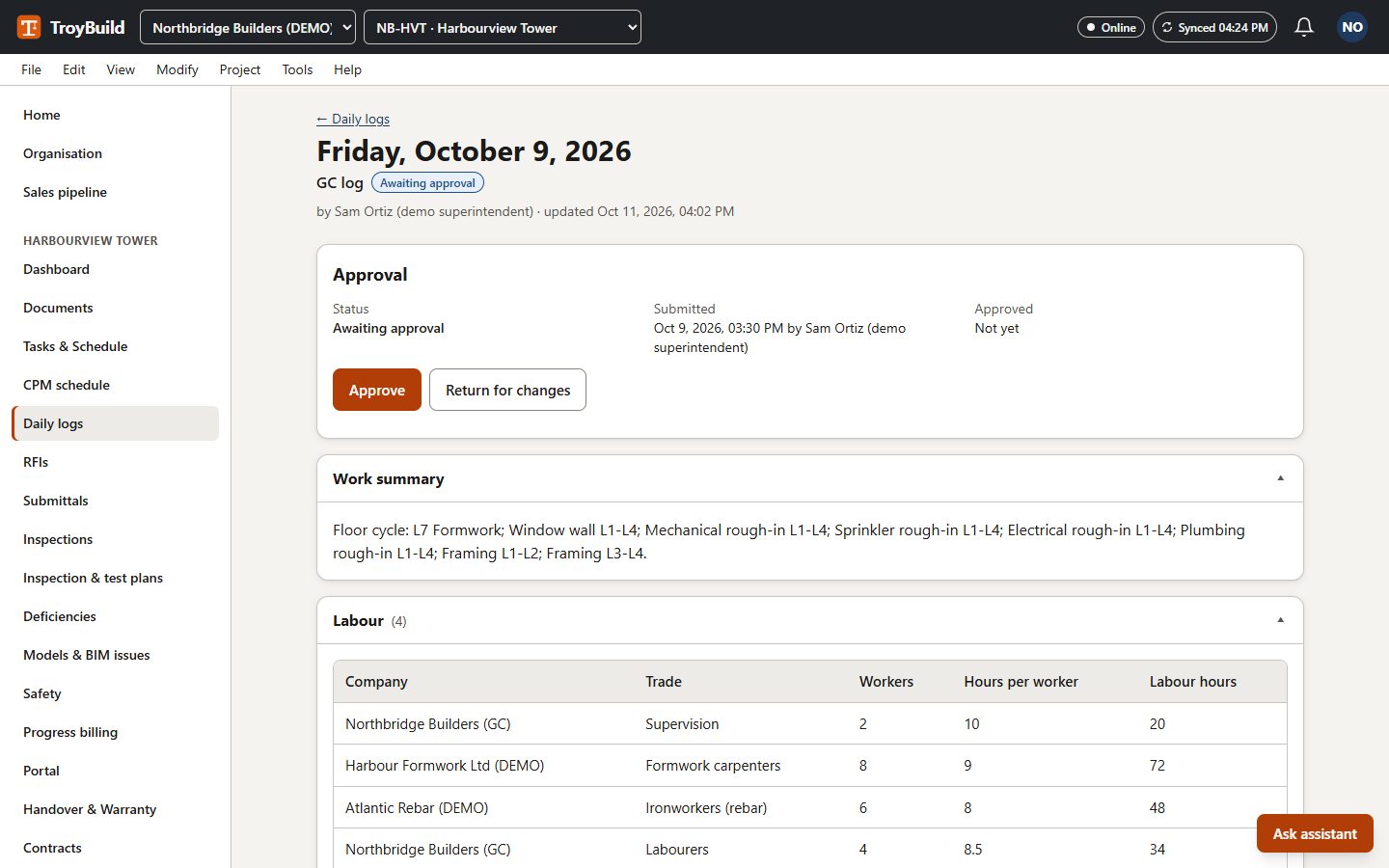
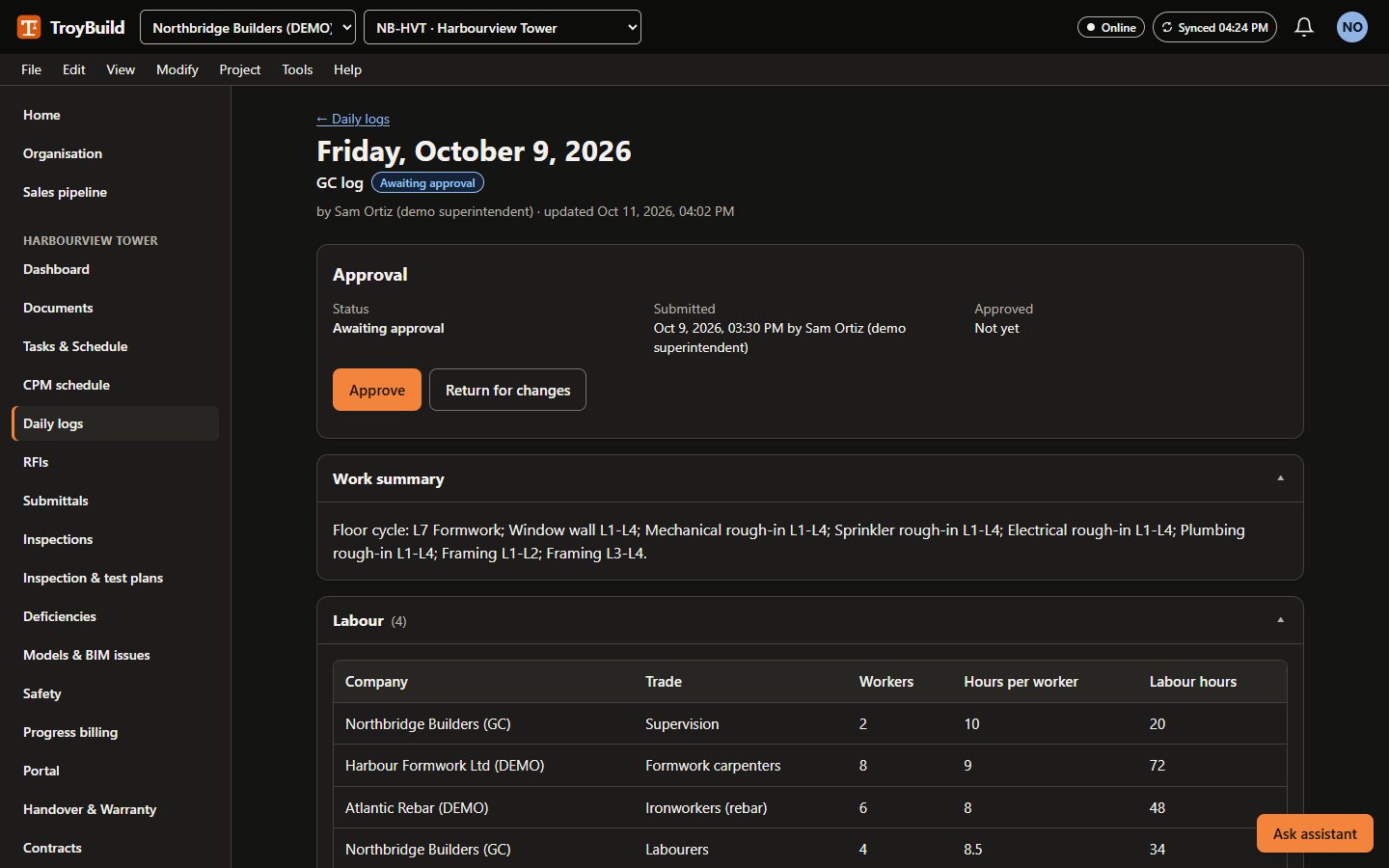
Record what happened on site, from a phone, even with a weak signal.
Field features on the features pageQuality and safety
Inspect, fix and prove it, with the people who must sign off.
Quality and safety features on the features pageCommercial
Contracts, changes and money, with an audit trail.
Commercial features on the features pageScheduling
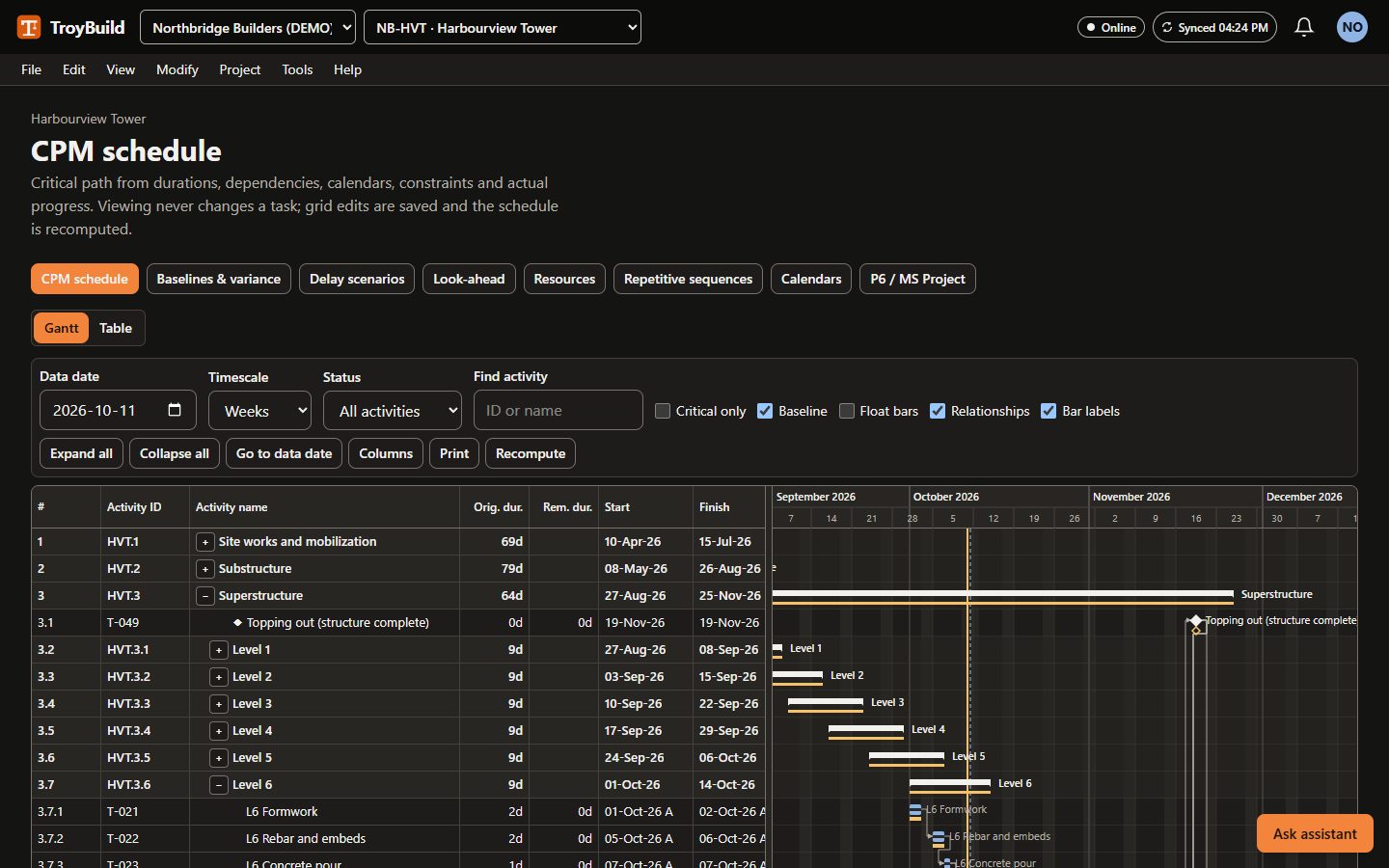
From a simple task list to a critical-path programme.
Scheduling features on the features pageCloseout
Hand over a building with its evidence.
Closeout features on the features pageEnterprise and portfolio
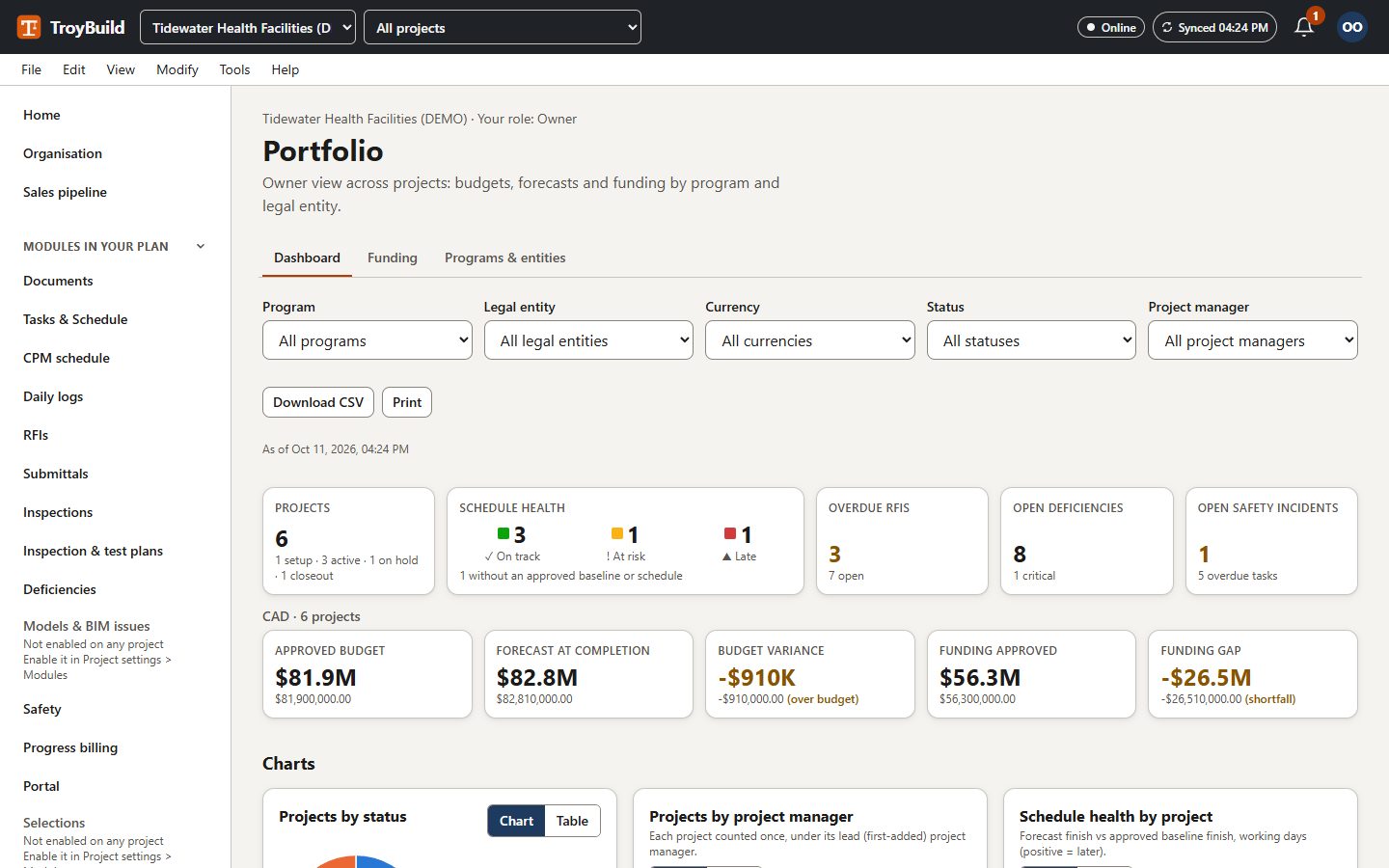
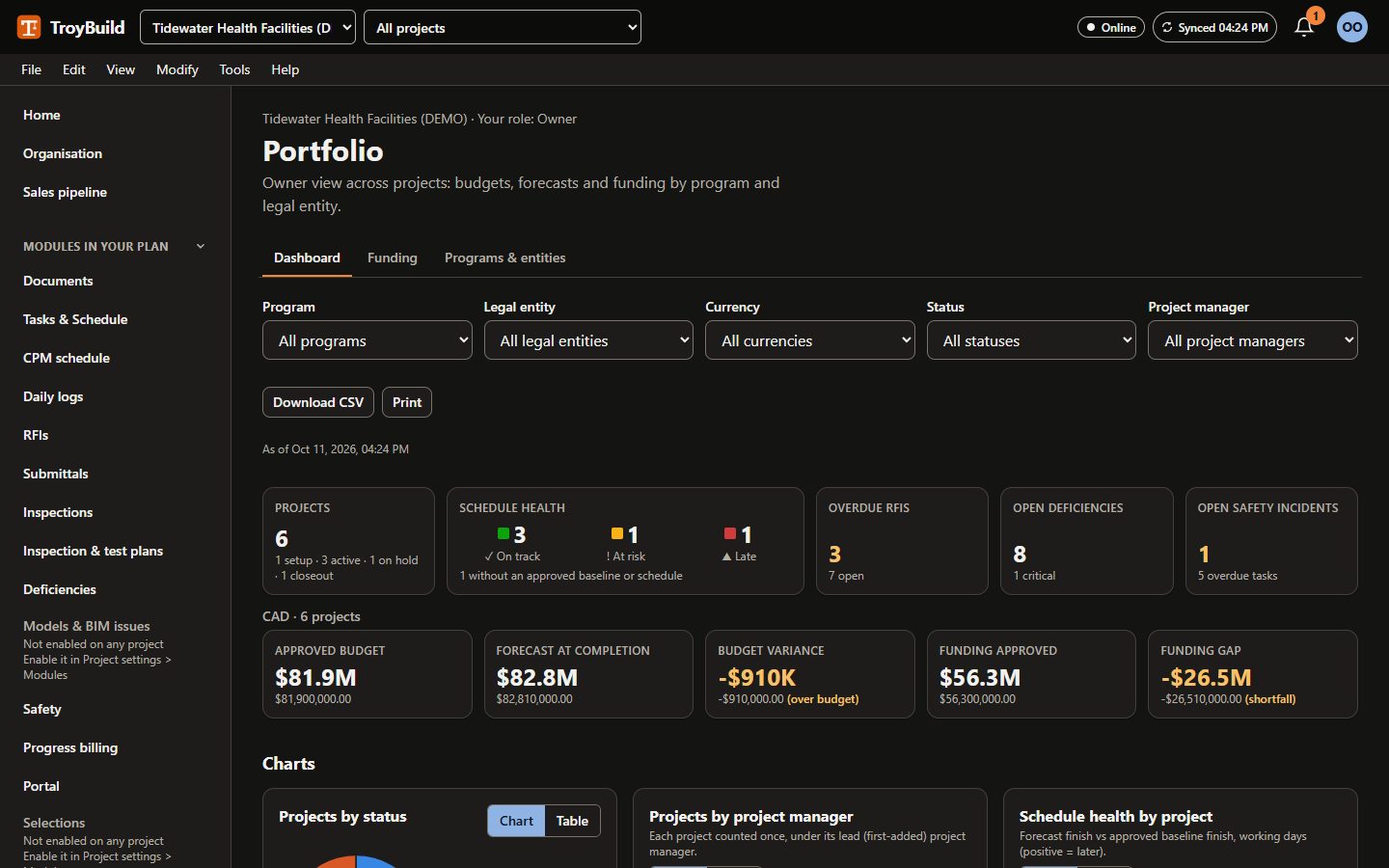
Control across many projects, legal entities and approvers.
Enterprise and portfolio features on the features pageAI assistants
Three assistants answer questions and draft text from the records you can already see. People make every decision.
AI assistants on the features page
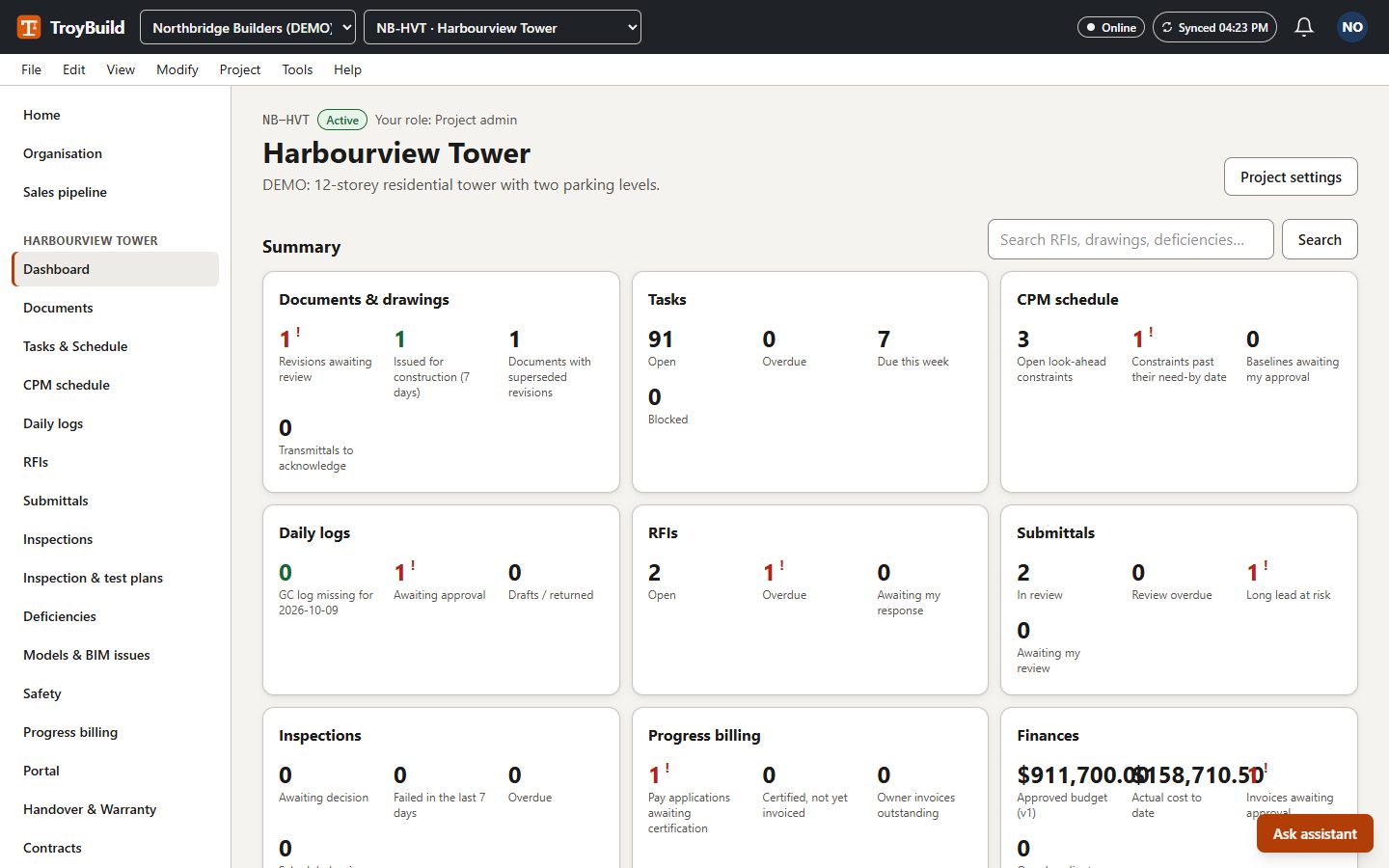
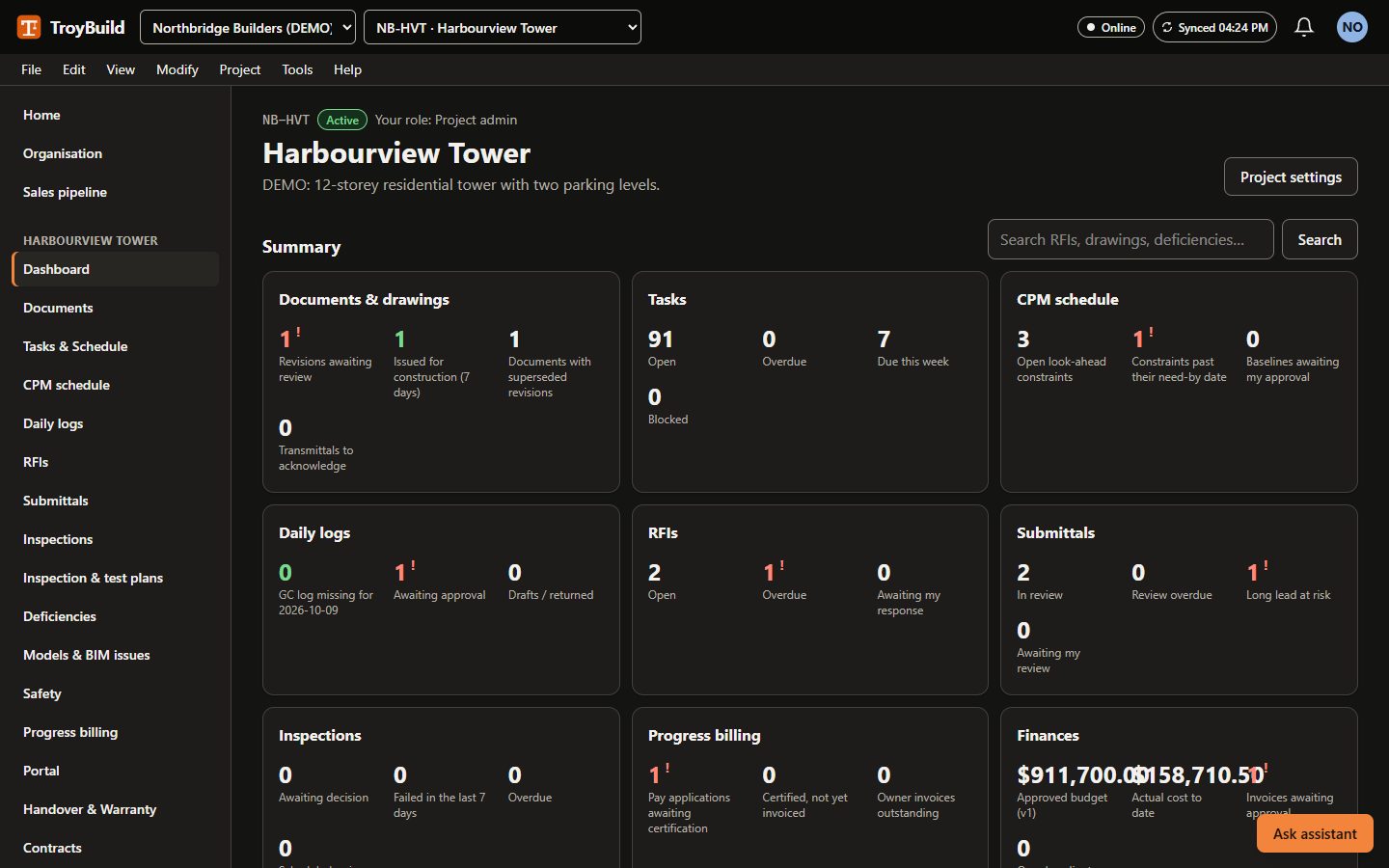
A look at the product
Security, described as built
- Each organisation's records are separated in the database itself (row-level security), not only in the application.
- Inside a project, people see only what their role and location scope allow; non-participants get "not found".
- Two-step verification with an authenticator app.
- Single sign-on (OIDC or SAML) and SCIM user provisioning on Enterprise.
- Secrets such as integration credentials and two-step keys are stored encrypted.
- Every change is written to an audit log your administrators can read and export.